Genius Art: Image AI Generator
AMOBEAR TECHNOLOGY GROUP
Downloads
1,000,000+
Version
Latest
Click to download now, finish the installation quickly, and directly unlock the all-round experience
Screenshots
Click to download now, finish the installation quickly, and directly unlock the all-round experience
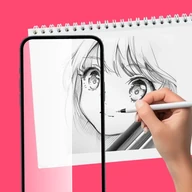
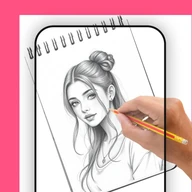
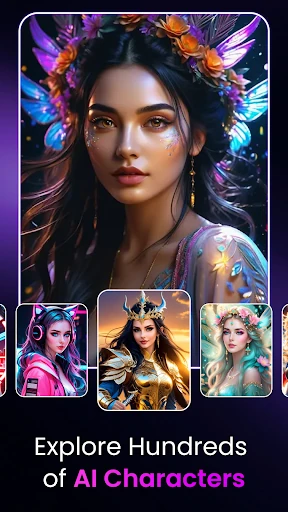
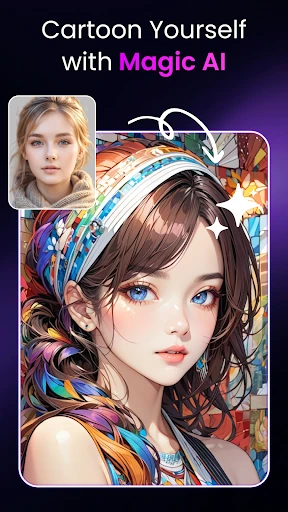
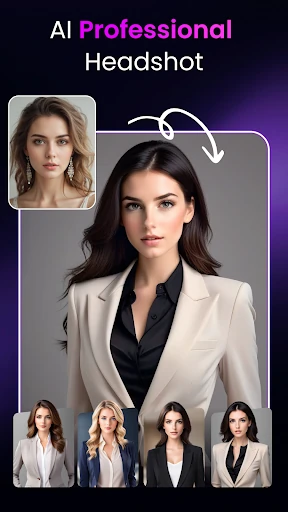
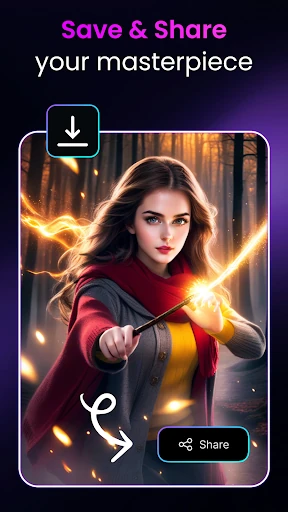
Genius Art: Image AI Generator is an Art & Design app for turning ideas, prompts, and templates into AI-generated images. It suits casual creators, social media users, and anyone who wants to explore digital art without relying on advanced desktop software. The app is developed by AMOBEAR TECHNOLOGY GROUP and has more than 1,000,000 installs.
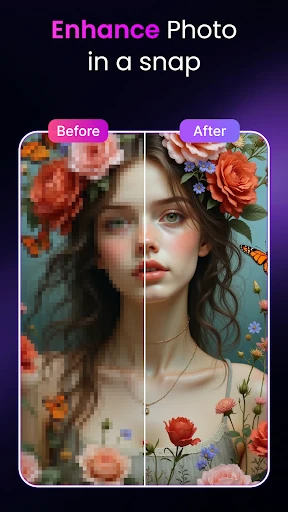
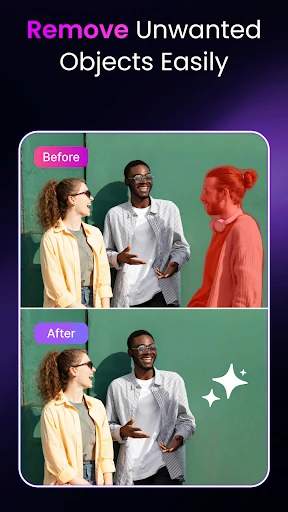
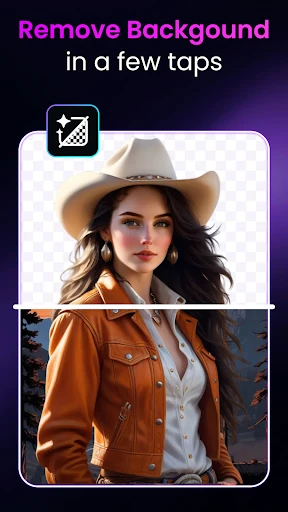
The app combines image generation with several practical editing tools. Users can create new visuals from concepts, improve images that look blurry or low-resolution, and remove unwanted objects from photos. A background removal tool can also separate a subject from its surroundings, which is useful for profile graphics, product images, collages, and other designs.
Genius Art is built around task-focused tools rather than a complex professional editing workspace. That makes it a practical choice for quick experiments, visual concepts, social posts, and simple photo corrections. Template-based creation can help users get started quickly, while the editing utilities cover common fixes that would otherwise require separate apps.
With a 4.78 rating from 8,547 reviews, the app has attracted strong user feedback. Its main appeal is the combination of generative artwork and everyday AI photo tools in one place. Users looking for detailed manual controls or advanced image-editing workflows may find the experience more focused on accessible, guided results.